
BigCommerce Just Changed the Economics (and a Lot of Merchants Aren’t Happy)
For a long time, BigCommerce had a clean pitch:
More flexibility.
Fewer platform penalties.
Use the tools you want.
That mattered — especially if you deliberately chose BigCommerce instead of Shopify to avoid getting boxed into platform-controlled payments and fees.
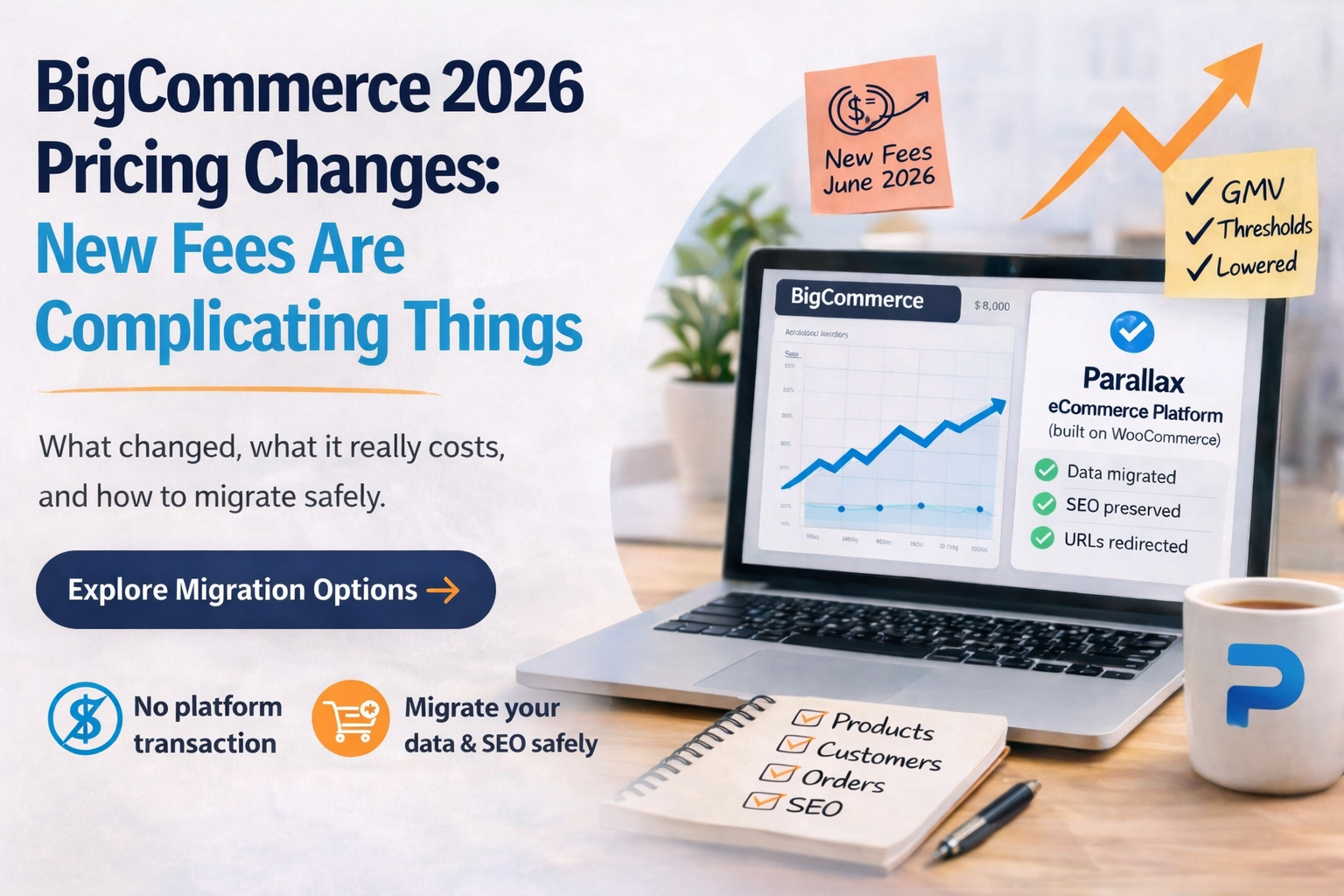
That’s why the June 2026 pricing changes are hitting harder than a typical plan update.
Because this isn’t just pricing.
It changes how stores are charged as they grow.
Concerned about how BigCommerce’s new fees affect your store?
We’ll review your setup, estimate the real cost impact, and walk through migration options (if it makes sense).
What actually changed
BigCommerce is introducing an Open Payment Provider Fee on self-service plans.
If you’re using a non-embedded payment provider (Stripe, Authorize.net, regional gateways, etc.), you’ll now pay:
Core: 2.0% of GMV
Growth: 1.0% of GMV
Scale: 0.6% of GMV
They also lowered plan thresholds and changed overage pricing:
Standard → Core (limit drops from $50K → $30K)
Plus → Growth (limit drops from $180K → $100K)
Pro → Scale with 0.9% overage above $33,333/month
So if you’re doing decent volume and using your own processor, your costs just moved in a way that wasn’t part of the original deal.
And that’s the part people are reacting to.
Why this is bothering people more than usual
This isn’t just “prices went up.”
It’s that BigCommerce has spent years positioning itself as the alternative to platform transaction fees.
They still have pages up saying things like “no added transaction fees.”
So when a store owner runs the math and realizes they’re now effectively paying a percentage of revenue again — just under a different label — it doesn’t feel like a normal adjustment.
It feels like the model shifted.
If you skim recent discussions in places like r/ecommerce or r/woocommerce, the tone is pretty consistent:
“This wipes out my margin on certain products”
“We chose BC specifically to avoid this”
“Now I have to rethink everything, but moving sounds like a nightmare”
That last part is the real sticking point.
A quick reality check on the numbers
Let’s make this less abstract.
Say you’re on the Growth plan, doing ~$80K/month, using Stripe.
Under the new model:
1.0% Open Payment Fee = $800/month
That’s $9,600/year
And it scales directly with your growth
That’s before apps, before shipping complexity, before anything else.
For some stores, that’s annoying.
For others, that’s the difference between profitable and not.
“Why not just move to Shopify?”
A lot of people are asking that right now.
And in some cases, Shopify is the right answer.
But it’s not a clean escape from this problem.
Shopify has its own version of platform-enforced economics:
You’re strongly pushed toward Shopify Payments
Third-party processors come with penalties
Apps add up quickly
Checkout flexibility is limited unless you’re on Plus
So you can absolutely move — but you’re often trading one form of constraint for another.
The real reason people stay put
It’s not loyalty.
It’s risk.
A migration sounds like:
SEO drops
broken URLs
missing images
weird category structures
customers getting confused
months of cleanup
If you’ve spent years building organic traffic, that’s a legitimate fear.
And to be fair — a bad migration will cause those problems.
What a controlled migration actually looks like
This is where most posts hand-wave.
So here’s what we actually do when we move a BigCommerce store over.
1. Data comes over clean (not “close enough”)
Products, variants, categories, attributes
Customers and order history
Metadata (titles, descriptions, structured content)
We don’t just import — we normalize it so it works properly in the new system.
2. URLs are preserved or mapped deliberately
This is the biggest SEO risk, so we treat it that way.
If URLs can stay the same → they stay the same
If they can’t → we map them and implement redirects before launch
Images are handled the same way (not broken post-launch)
No guessing after the fact.
3. Theme is rebuilt to match (or improve)
We don’t drop you into a generic WooCommerce theme.
We recreate:
layout structure
navigation patterns
category flows
product page behavior
Most stores end up slightly cleaner and faster, but familiar enough that customers don’t feel the change.
4. SEO is reviewed before and after launch
metadata parity check
internal linking structure
category depth and hierarchy
crawl validation post-launch
You’re not “hoping Google figures it out.”
5. Optional: AI-assisted content cleanup
If your catalog has gaps (most do), we can layer in Parallax AI:
product descriptions
category content
metadata improvements
We’ve been including discounted or free credits for migration projects because this is usually the best time to fix content at scale.
So what is the “Parallax eCommerce Platform,” really?
Fair question — because “built on WooCommerce” can mean anything from “DIY plugin stack” to something much more structured.
Here’s what we actually mean.
It’s WooCommerce underneath — intentionally
You’re not locked into a proprietary platform.
You keep:
full data ownership
payment flexibility
control over integrations
No platform-level transaction fees layered on top.
But it’s not DIY WooCommerce
We handle:
Hosting (tuned for WooCommerce workloads)
Performance (caching, DB tuning, asset delivery)
Deployment + updates
Monitoring + recovery processes
Ongoing support
This is closer to a managed platform than a self-hosted install.
And it includes the Parallax layer
This is where it diverges from “just WooCommerce”:
AI content generation for products and categories
product data cleanup and validation
(coming next) pricing + margin analysis tools
(coming next) shipping and fulfillment optimization insights
So you’re not just moving platforms — you’re adding capabilities you probably don’t have today.
Cost model (simple on purpose)
We don’t take a percentage of your revenue.
Instead:
One-time migration / implementation fee
Monthly hosting + support
That’s it.
If your store grows, your platform cost doesn’t automatically scale with every order.
If you’re on BigCommerce right now
You don’t have to rush into anything.
But it’s worth understanding your options before the new pricing fully hits your P&L.
Because once it shows up there, the conversation gets more urgent — and harder to think through clearly.
If you want to explore a move
We’ve been doing migration assessments for stores in this exact situation.
It’s not a sales pitch call.
We’ll walk through:
your current BigCommerce setup
payment flow and where fees apply
SEO structure and risk areas
what a migration would actually involve
rough scope / timeline
If it makes sense, great. If it doesn’t, you’ll still have a clearer picture.
👉 Schedule a 30-minute migration assessment
or
👉 Email us and we’ll outline options async